 Fold Friends
Two cats live on the fold of your iPhone Duo.
WAWA and Ami sleep while the phone is closed and wake when you open it. Around them are three tools that use the hinge: a focus timer, the angle, and a count of your opens.
Coming to the App Store.
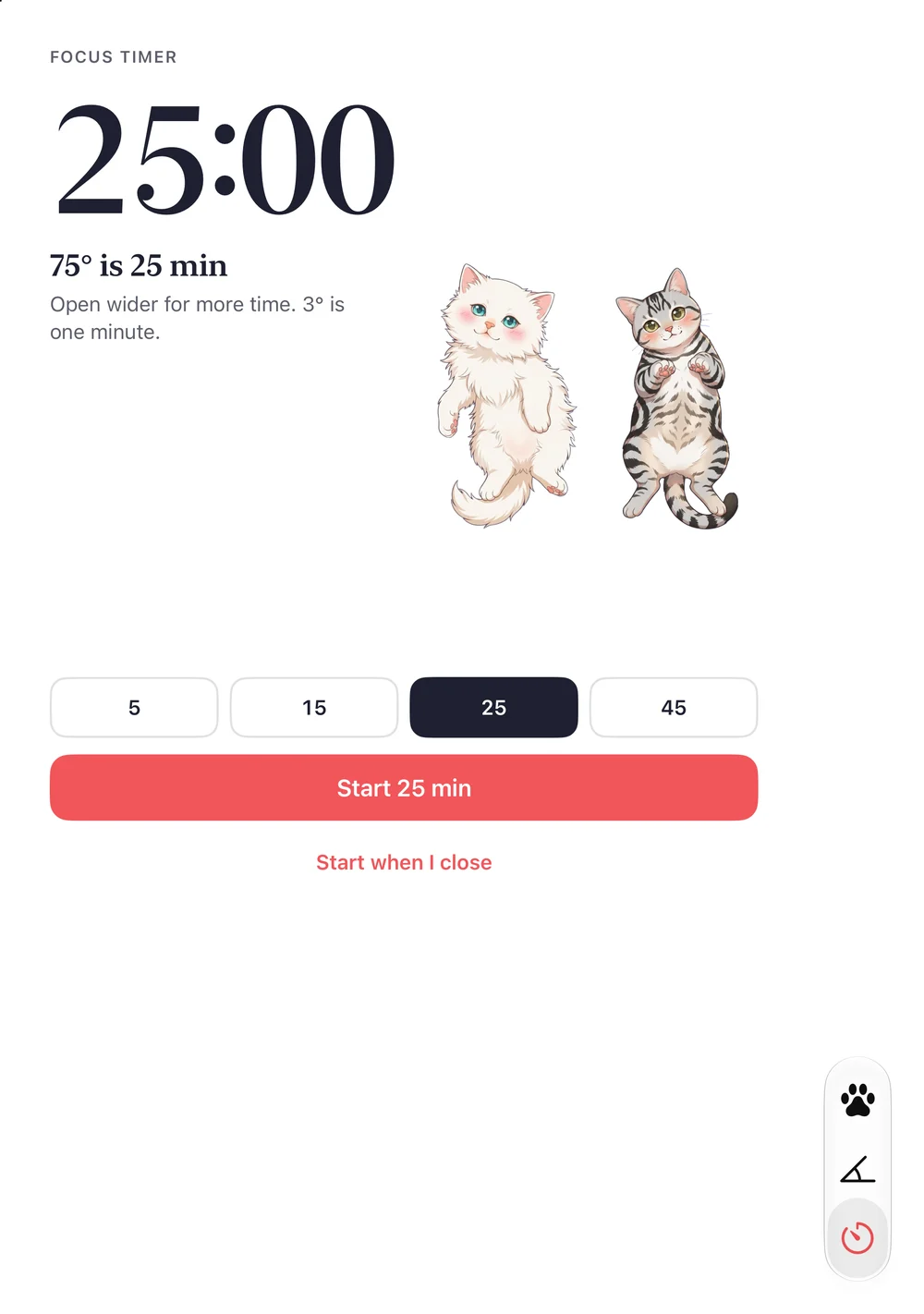
Open the hinge to set the time
Three degrees is one minute, up to sixty. Tap “Start when I close”, shut the phone, and the countdown carries on while the cats sleep.
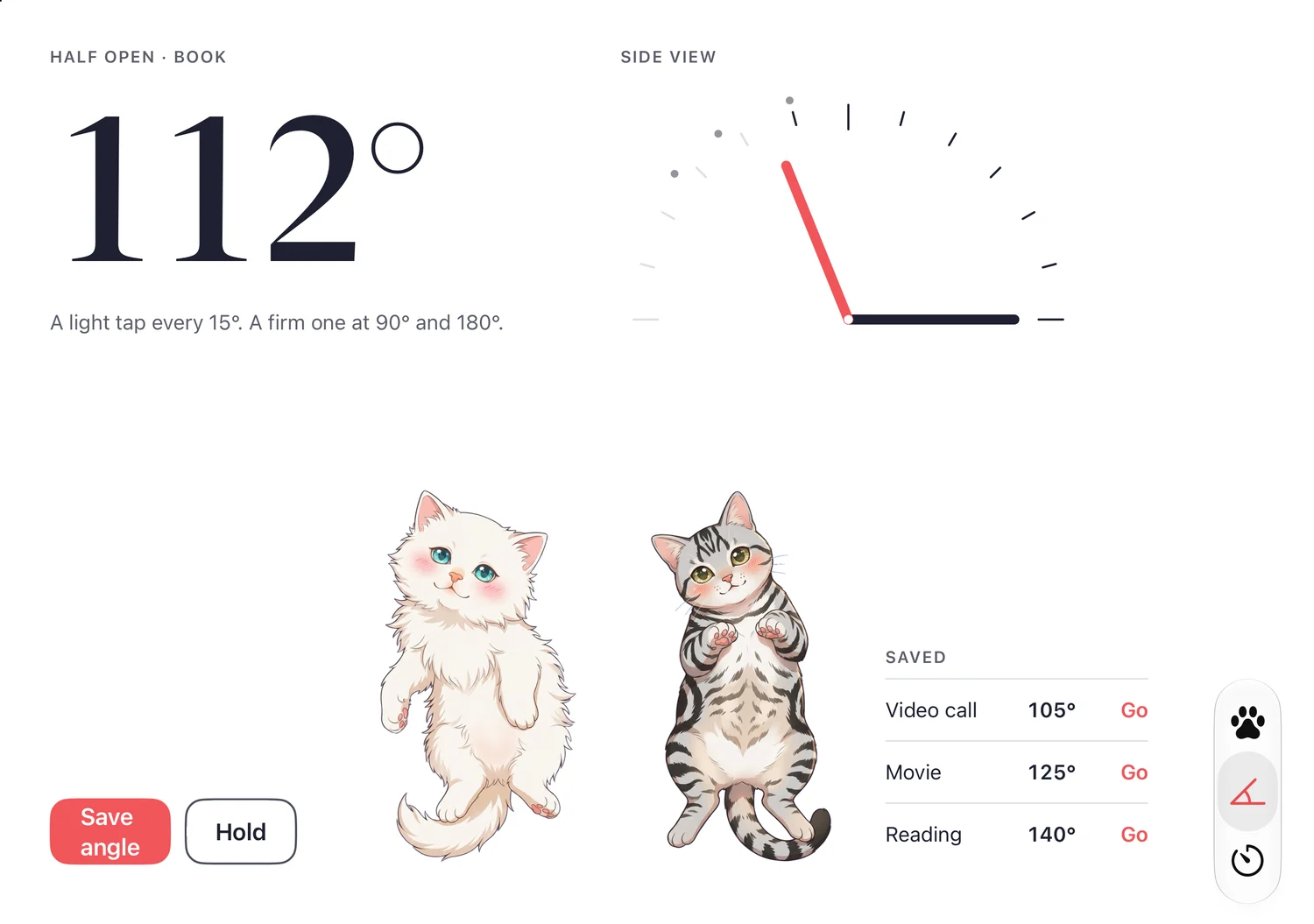
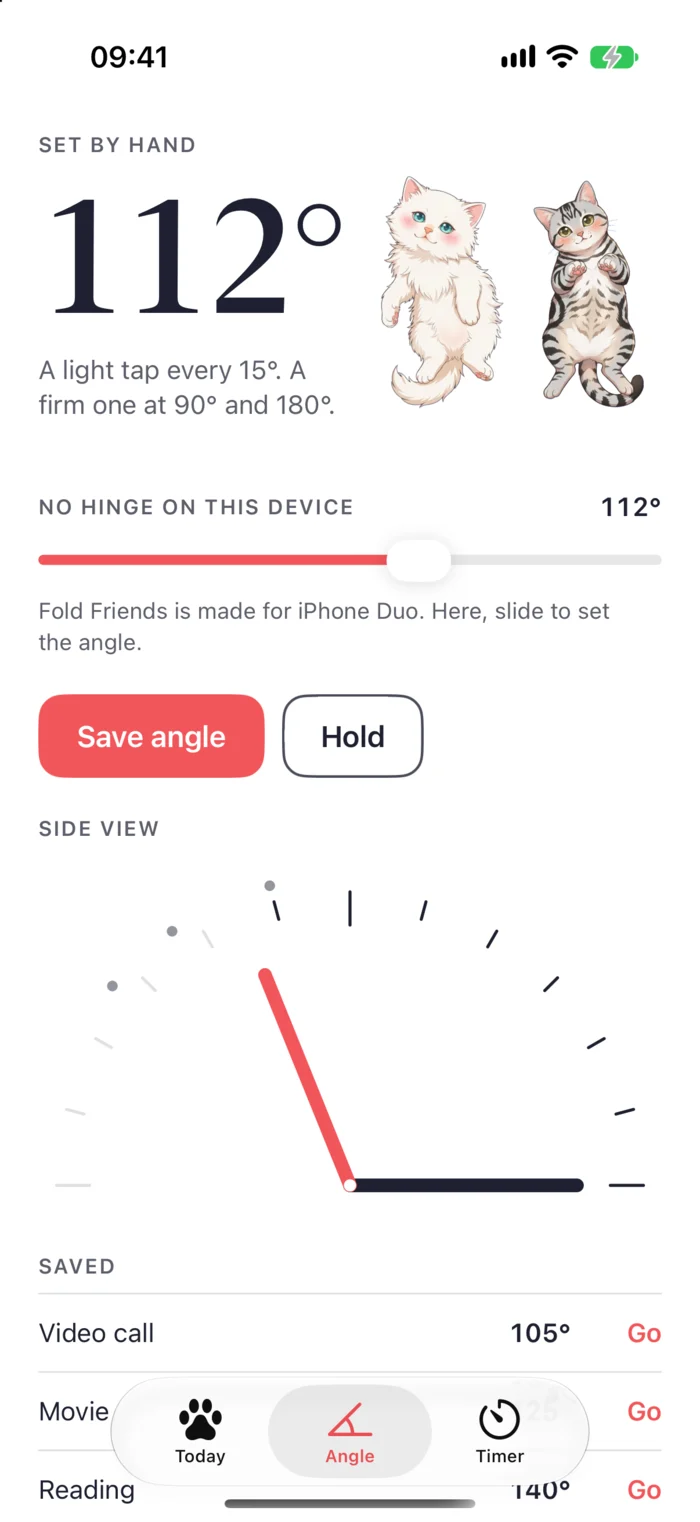
The angle, as you move it
A light tap every 15°, a firm one at 90° and 180°. Hold a reading, save the angles you use for a video call or a film, and find them again.
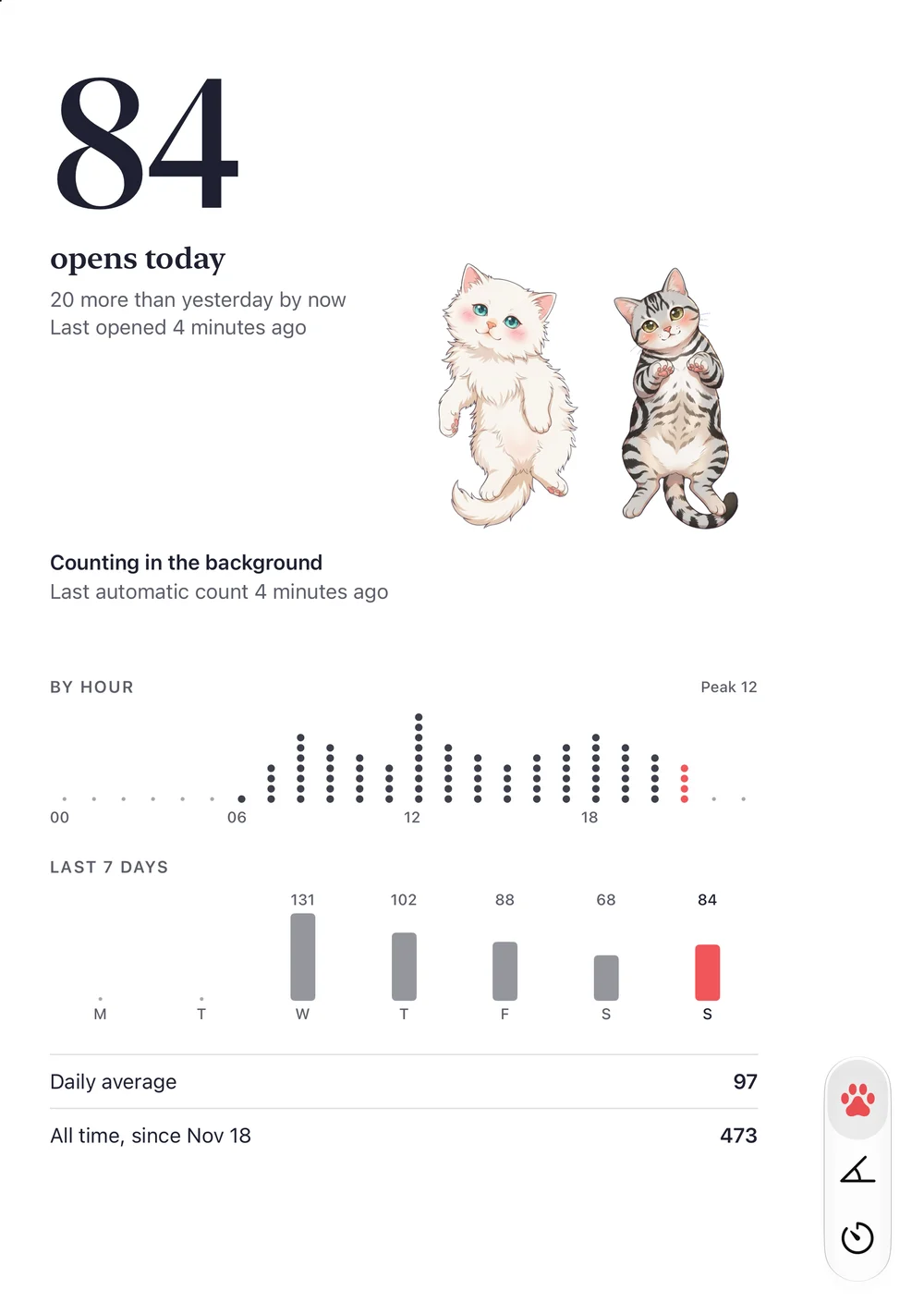
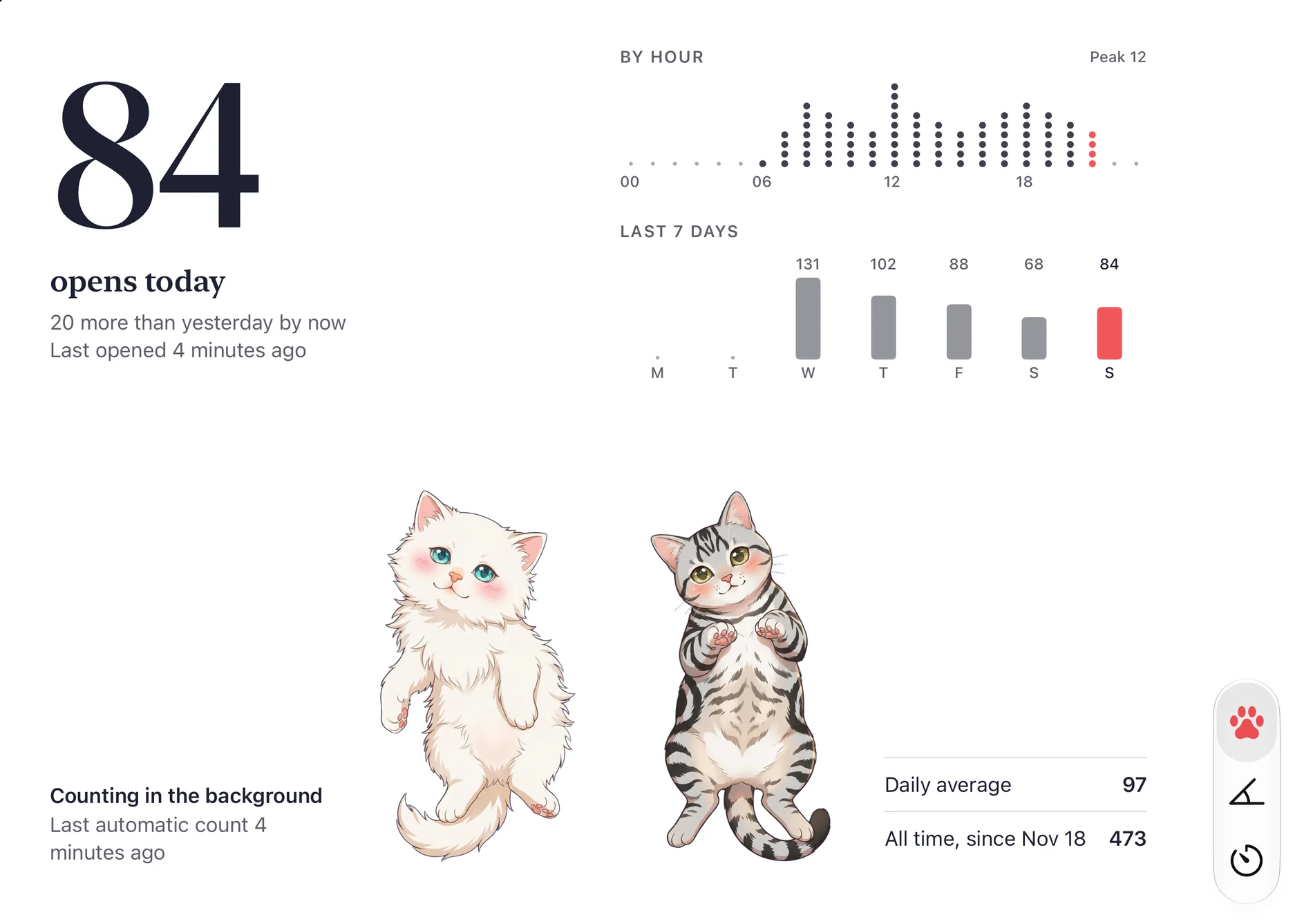
How often you open it
Today’s count hour by hour and across the week, set against yesterday at the same time of day. Opens only: a close is not counted.
Closed is night
Shut the Duo and the app turns deep blue on the outer display. WAWA and Ami sleep until you open it again; a running timer stays in view.
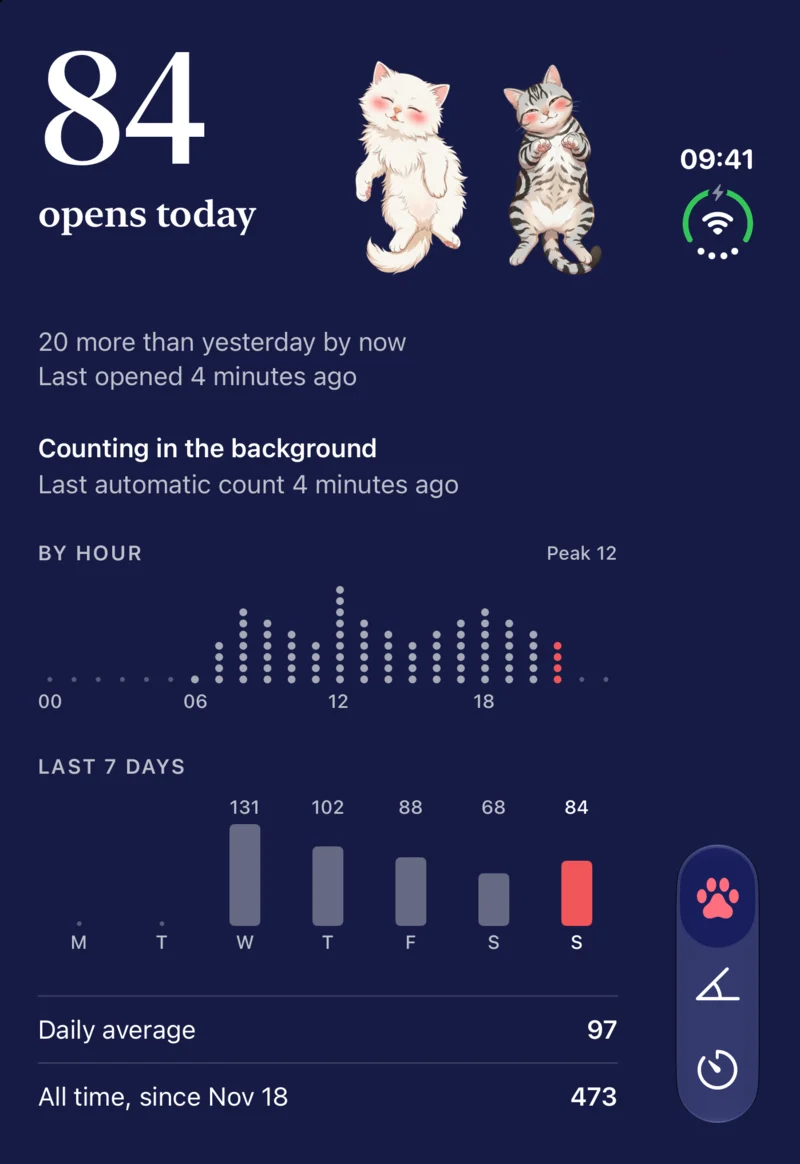
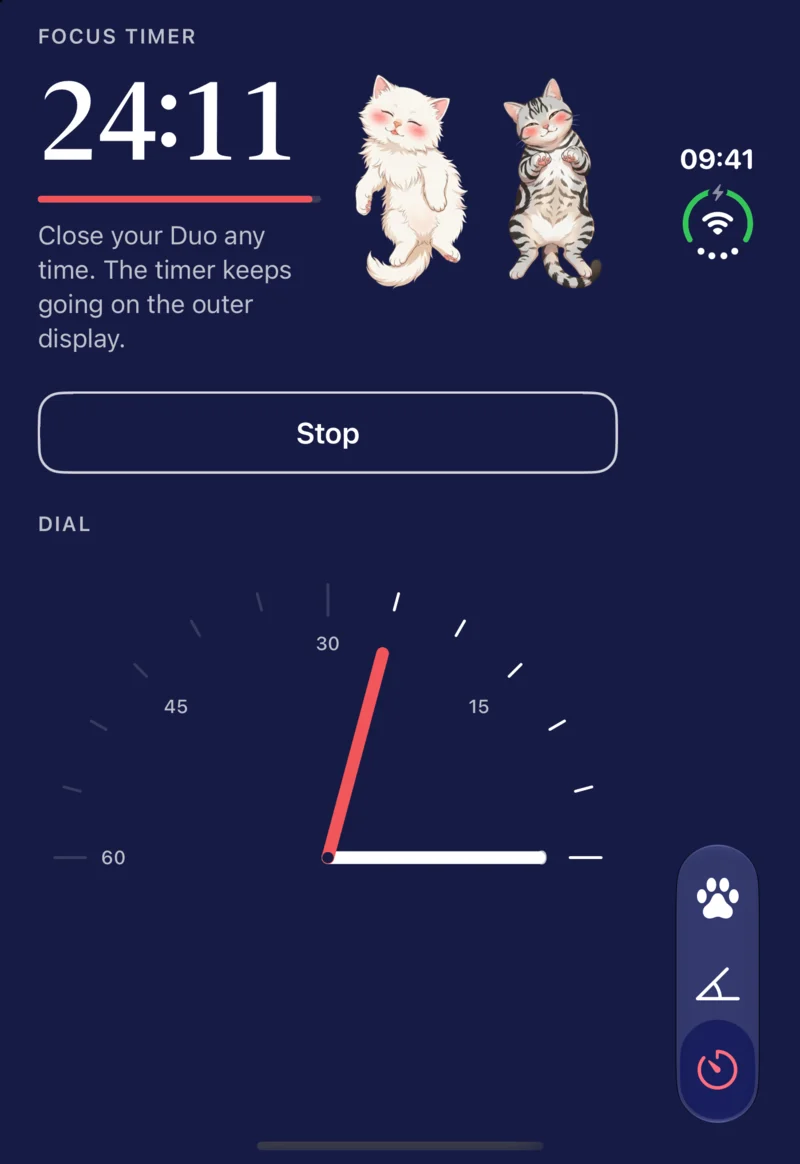
Widgets
Today’s count in four Home Screen sizes and on the Lock Screen. Each widget shows both cats, one of them, or none: touch and hold it and choose Edit Widget. Tap Focus on the widget, or the button in Control Center, to start 25 minutes without opening the app; the widget then shows the countdown and a Stop button.
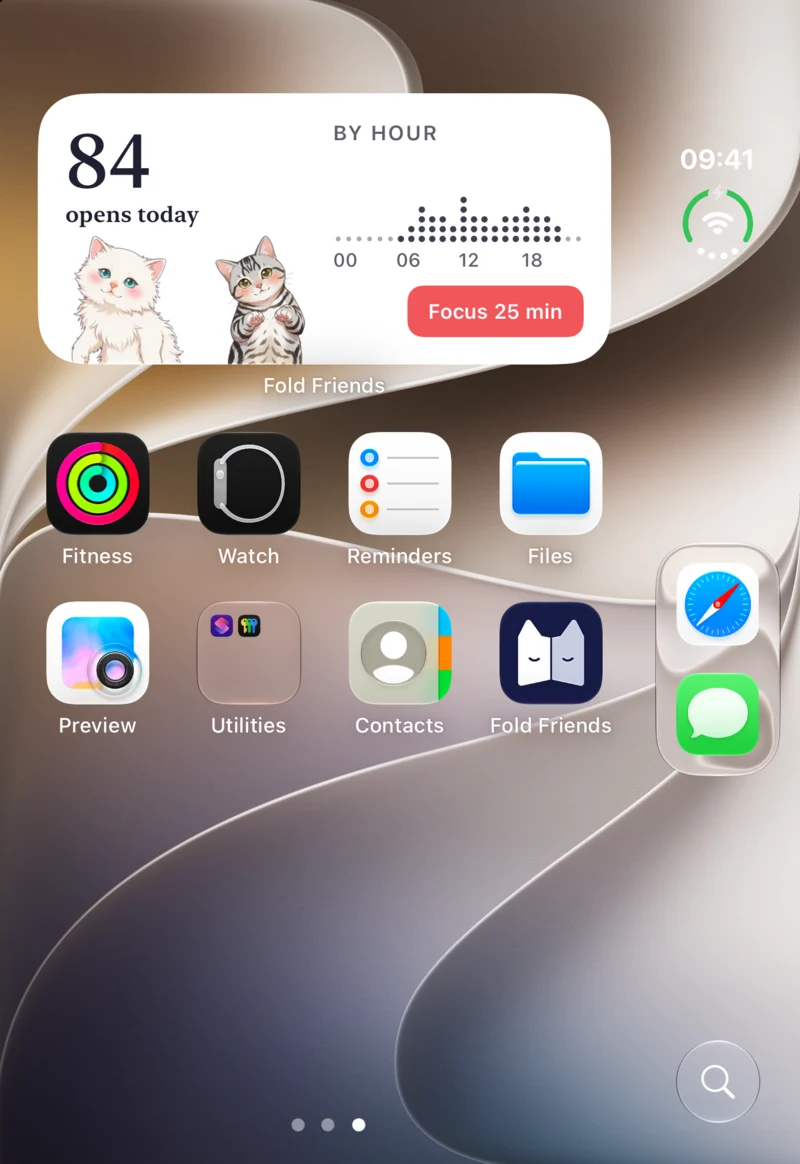
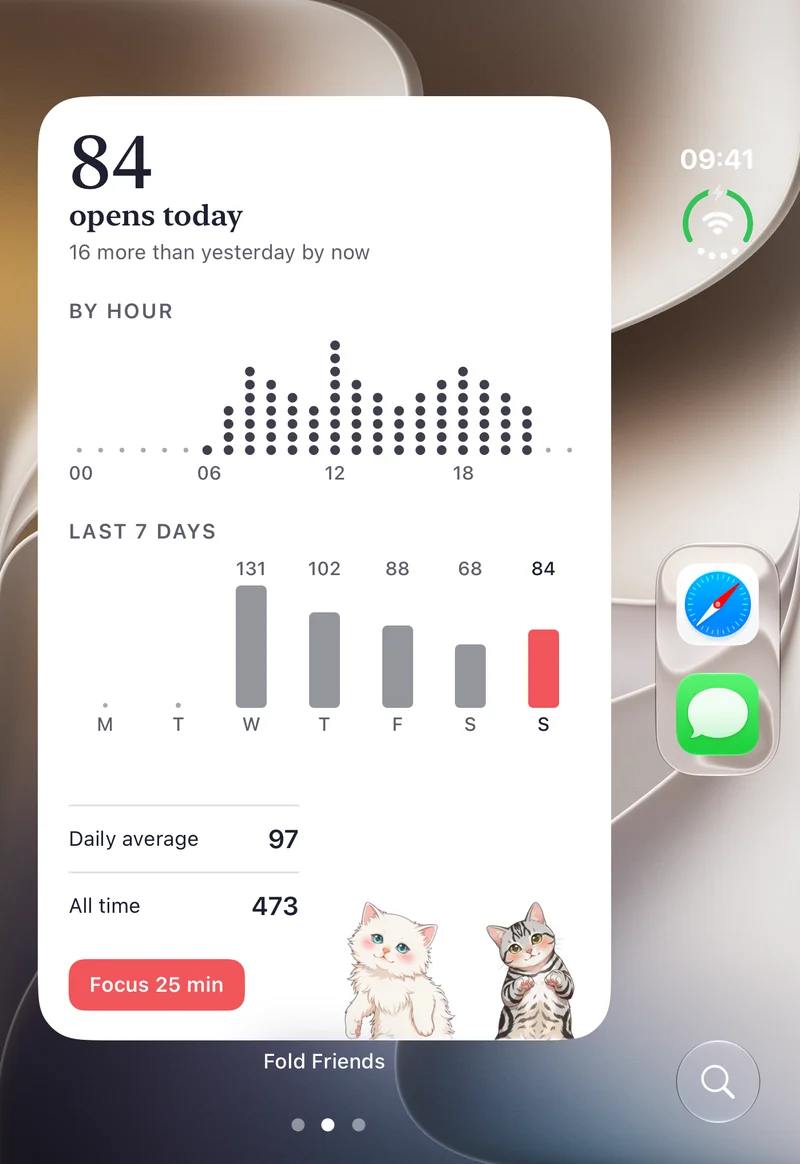
Count every open
The app can read the hinge only while it is on screen. One Shortcuts automation lets it count the rest:
- Open Shortcuts and tap Automation.
- Tap +, then choose the trigger for opening or closing iPhone.
- Pick “Opened”, and “Run Immediately”.
- Add the action “Record a Fold” from Fold Friends, with Fold set to Opened.
Today shows whether the automation is working. An open seen by both the app and the automation within four seconds counts once.
On an iPhone without a hinge
Fold Friends is made for iPhone Duo. On any other iPhone a slider stands in for the hinge in Angle and Timer, and Today shows sample data, labelled as such.
Questions
Write to app@grep24.com. We answer within a few days.
The app makes no network requests and collects no data.
WAWA and Ami come from Ami Cat.